This guide shows the current (new) way to connect Tradovate to TradesViz. This works for both live and demo accounts, including NinjaTrader Brokerage accounts that authenticate through Tradovate.
Before continuing, please read the auto-import basics.
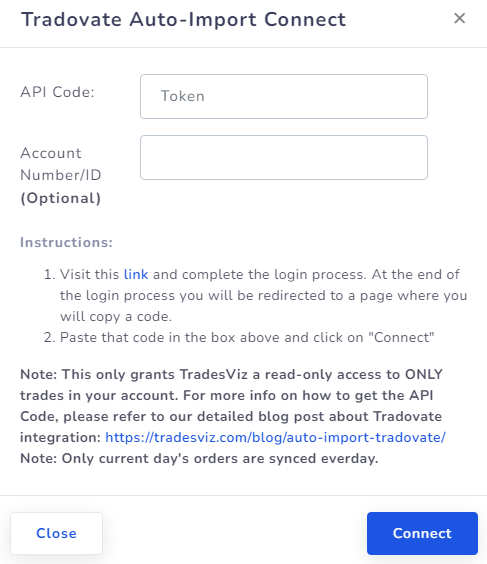
Quick setup (OAuth + account picker)
- In TradesViz, open Import/Export and choose your target trading account in Step 1.
- Select Tradovate and click Continue to Tradovate.
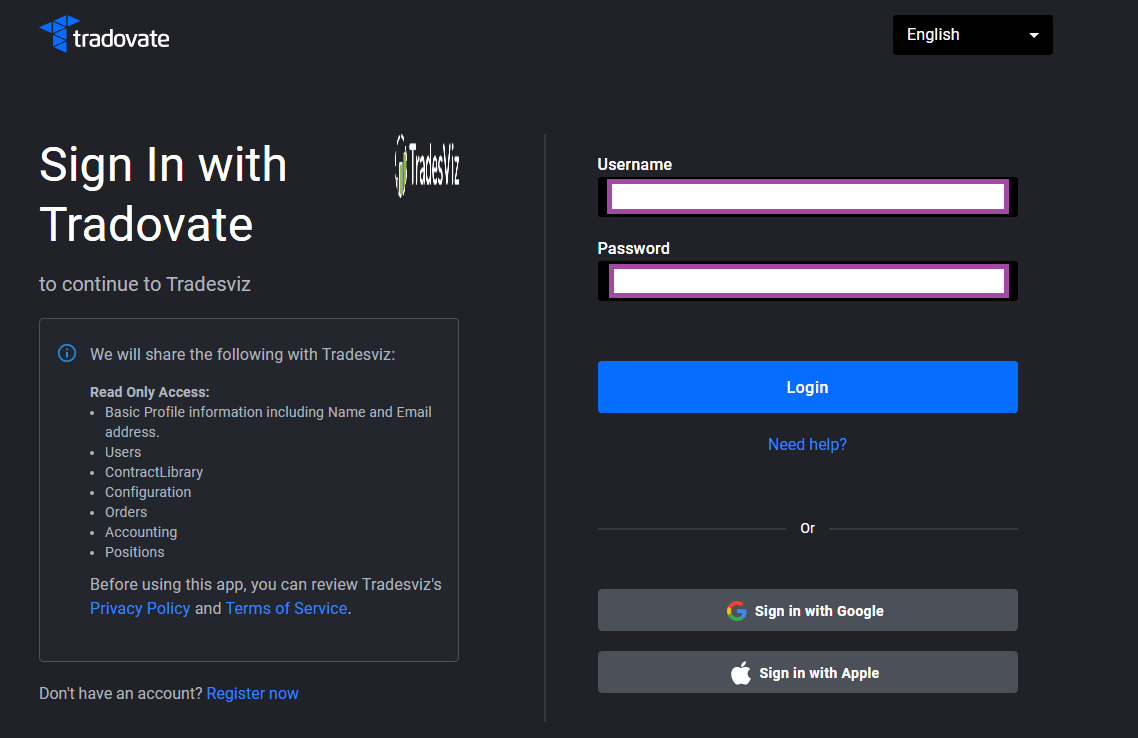
- Log in on Tradovate and approve read-only access.
- Back on TradesViz, choose account(s) in the Tradovate picker in the last step:
- First checked row links to your currently selected TradesViz account.
- Additional checked rows can create new TradesViz accounts (subject to your account limit).
- Click Connect Selected, then click Sync.
Important: You no longer need to manually copy/paste API codes or account IDs in this flow.
TradesViz only requests read-only permissions. We cannot place orders or move funds.
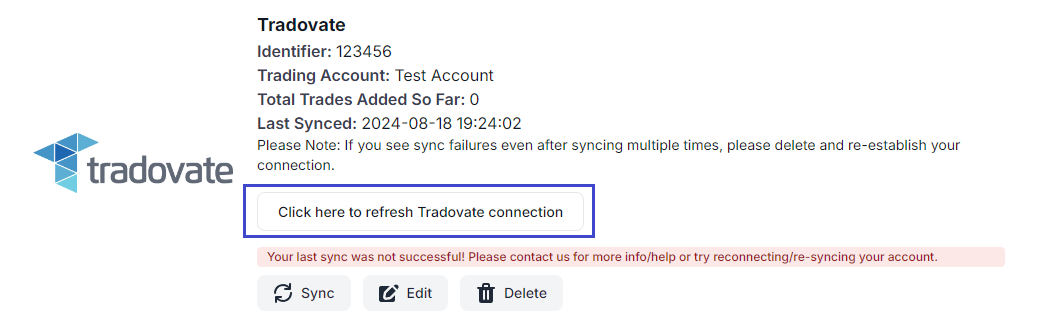
If a connection token expires later, use the one-click refresh link shown in the auto-sync connection card.
If you need help, contact [email protected].