This guide shows the current (new) way to connect TradeStation to TradesViz.
Before continuing, please read the auto-import basics.
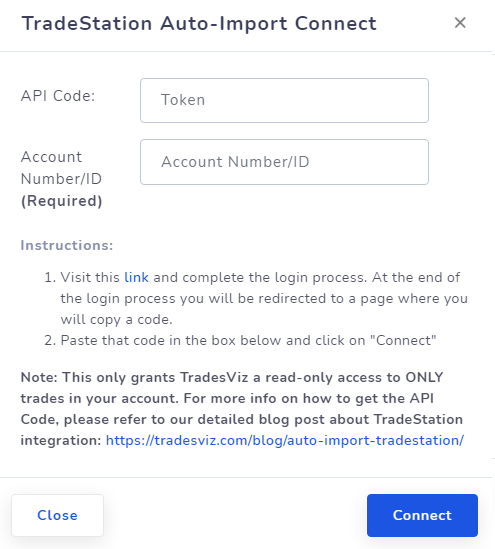
Quick setup (OAuth + account picker)
- In TradesViz, open Import/Export and choose your target trading account in Step 1.
- Select TradeStation and click Continue to TradeStation.
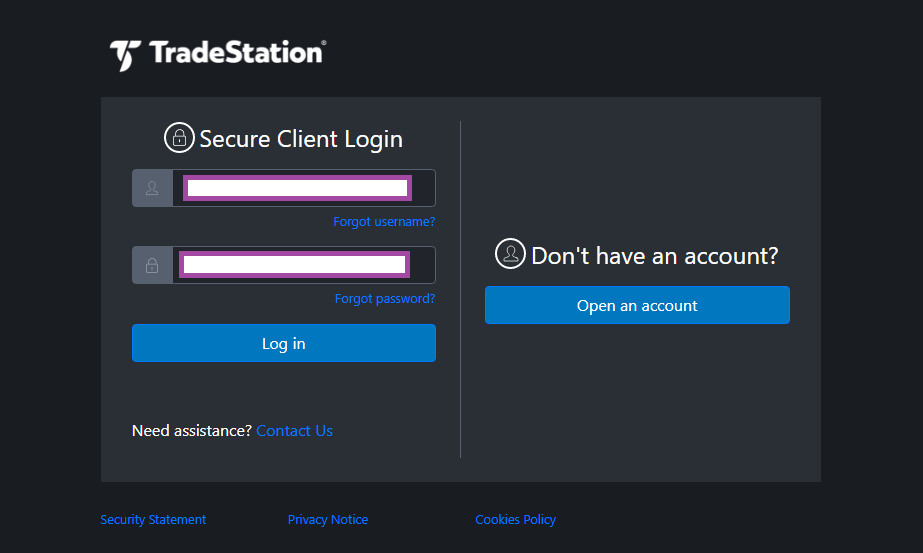
- Log in on TradeStation and approve read-only access.
- If your TradeStation login has multiple accounts, pick one in the TradesViz account picker (last step).
- Click Connect Account, then click Sync.
Important: You no longer need to manually copy/paste API codes in this flow.
TradesViz only requests read-only permissions. We cannot place orders or move funds.
If you need help, contact [email protected].